How to Swap Crypto on Metal X
Once you’ve bought crypto on Metal Pay, you can hold it there or move it to the XPR Network and use it in DeFi. Metal X is the decentralized exchange (DEX) built on XPR — and swapping there costs zero gas because the network has no gas fees. Here’s how to swap crypto on Metal X.
The Metal X app
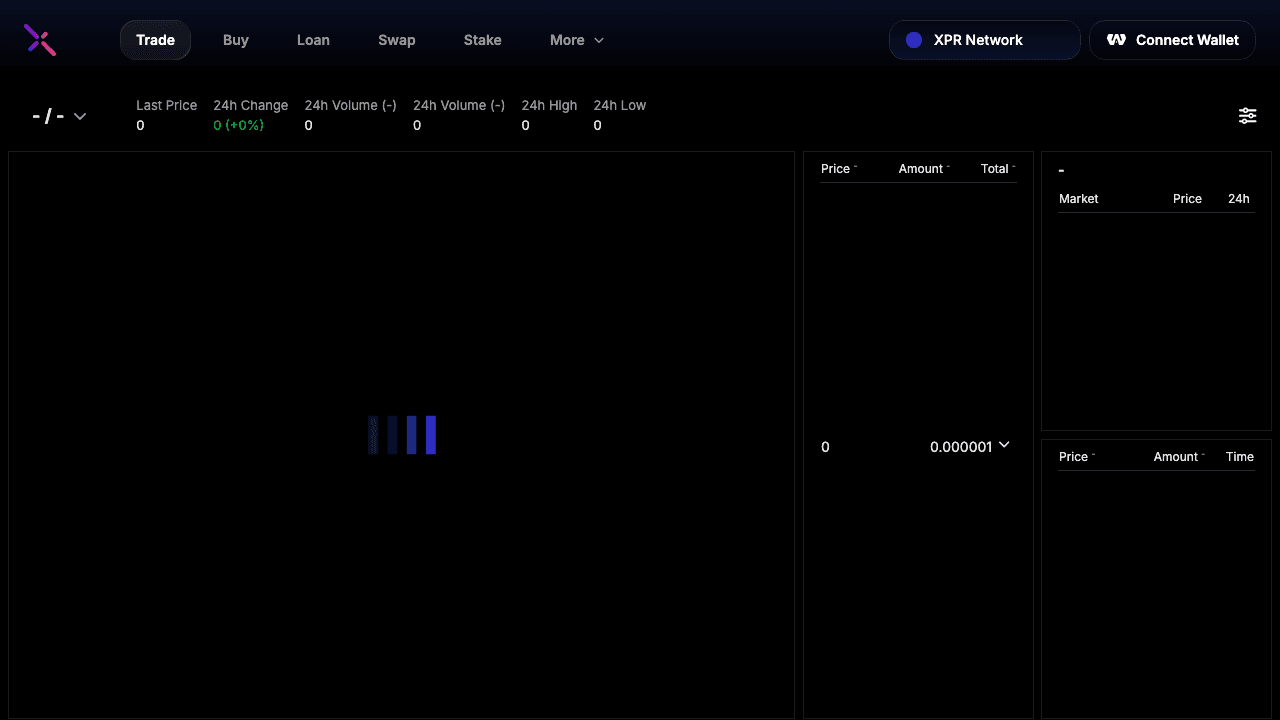
Metal X gives you advanced trading tools for digital assets: swap, spot trading, lending, liquidity pools, and yield farming. Everything runs on the XPR Network, so you never pay gas. Open app.metalx.com and connect your WebAuth Wallet to get started.
The Swap interface
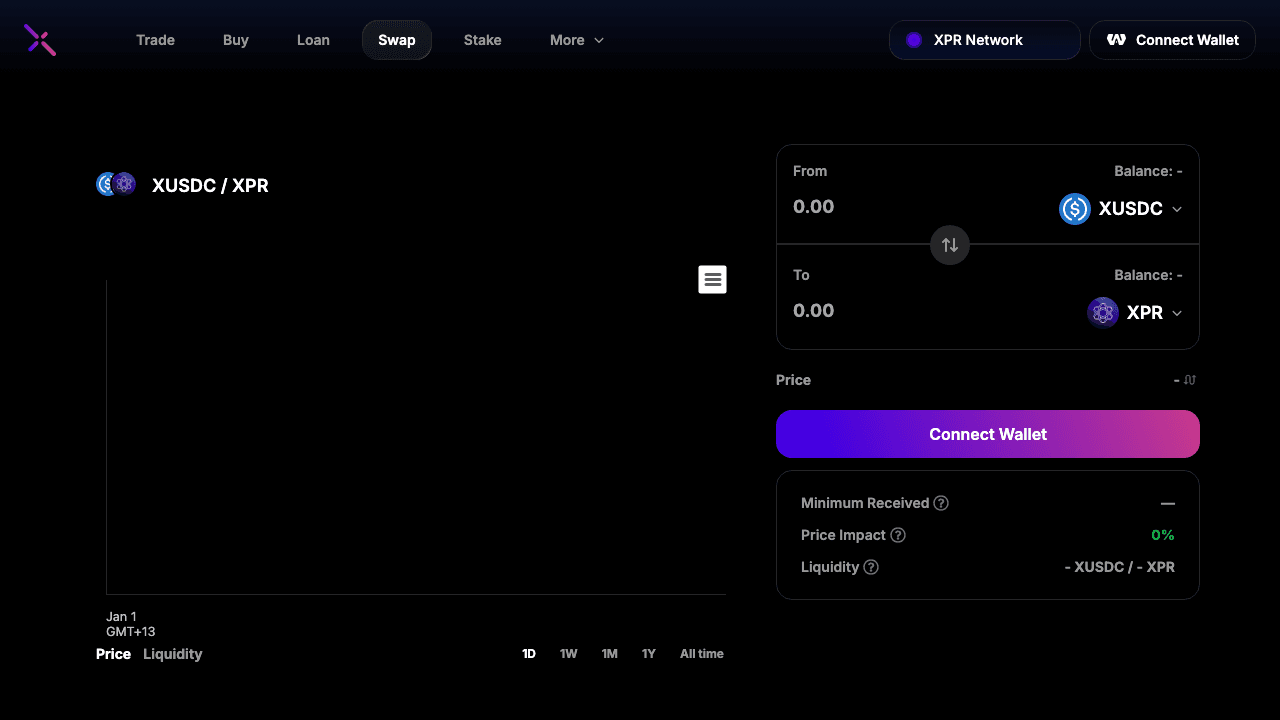
Use the Swap tab to trade one token for another. Choose the asset you’re sending and the asset you want to receive, enter an amount, and confirm. Some pairs (like XBTC/XMD) have zero trading fees; others have competitive fee tiers. Settlement is on-chain with no gas cost to you.
Why swap on Metal X?
Zero gas fees — The XPR Network doesn’t charge gas, so every swap and transfer is free at the protocol level. You only pay the DEX fee (if any) for the pair you’re trading.
Same assets you buy on Metal Pay — Withdraw BTC, ETH, XRP, USDC, Metal Dollar (XMD), and other supported assets from Metal Pay to WebAuth, then swap and trade on Metal X without leaving the ecosystem.
Lending, pools, and farms — Beyond swap, you can supply assets to lending markets, add liquidity to pools, and stake LP tokens in farms for additional rewards — all with zero gas.
Get started
If you haven’t already, download Metal Pay and buy crypto with your debit or credit card. Withdraw to your WebAuth Wallet (your keys, your crypto), then open Metal X Swap and connect WebAuth. Choose your pair, enter the amount, and swap — no gas, no hassle.